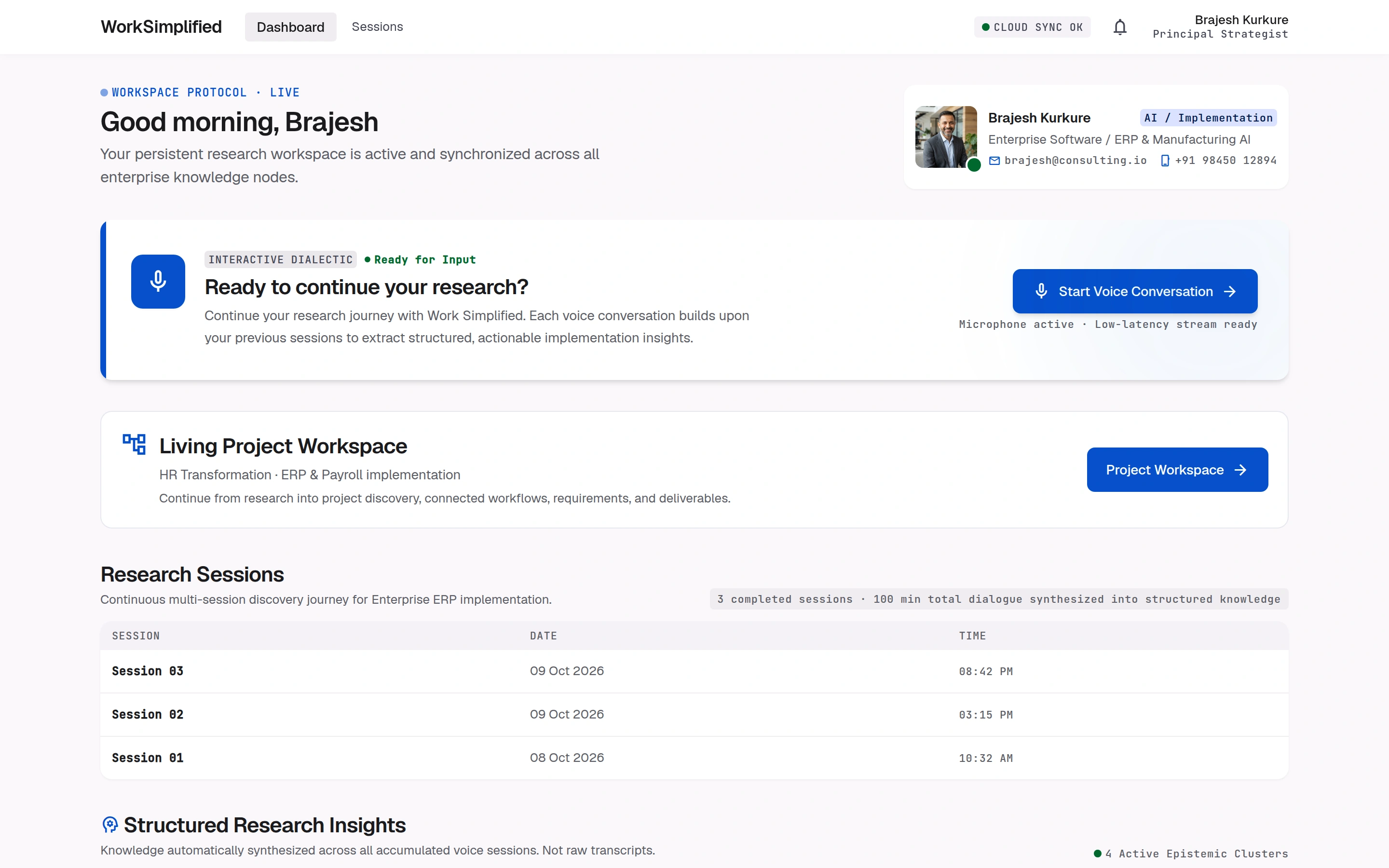
One workspace for everything the project knows.
Requirements, decisions, owners and open questions in one place, each linked to the conversation it came from.
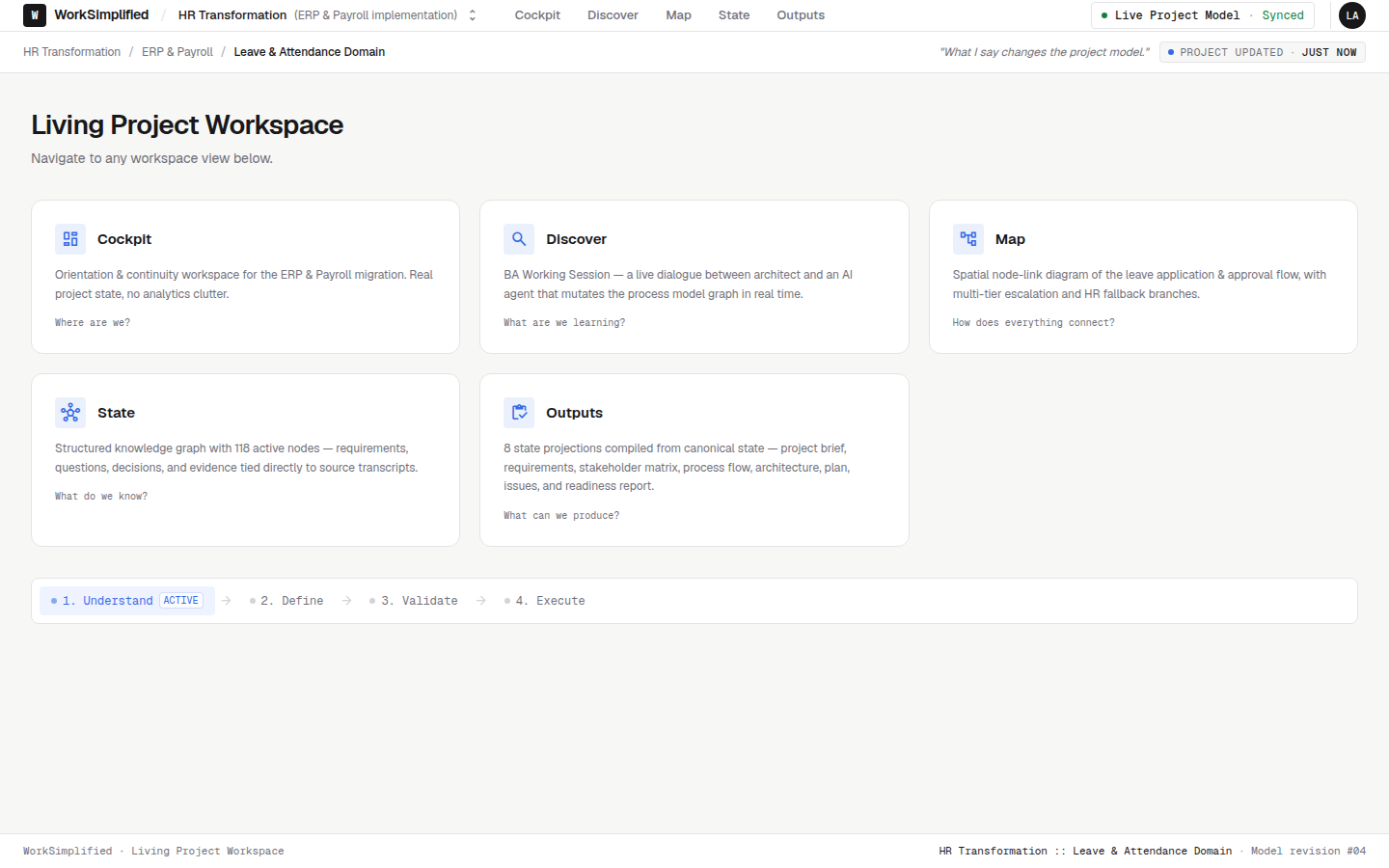
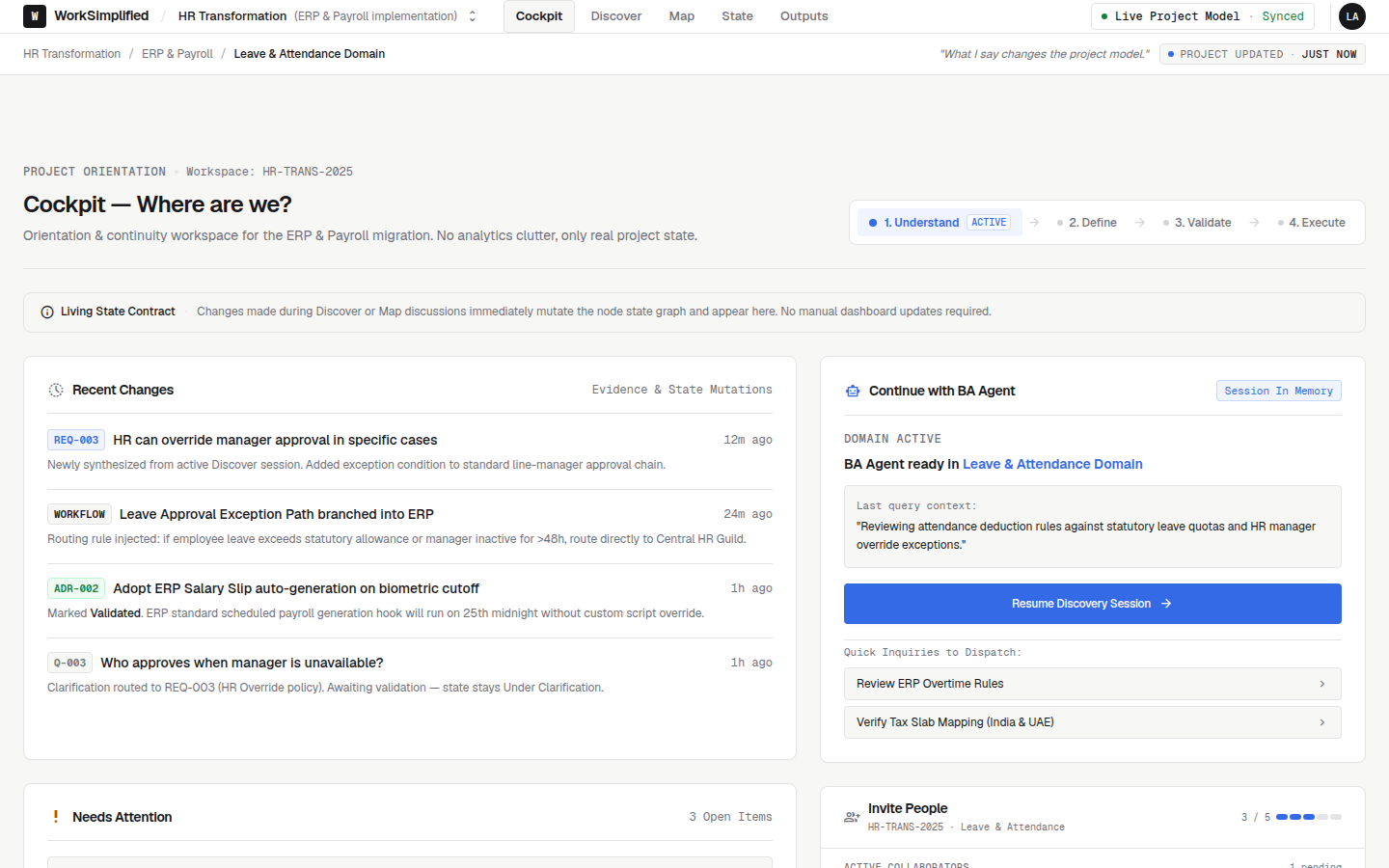
Where are we?
Open the project and know in two minutes what is agreed, what is blocked and what needs you today.
- Recent changes and who made them
- Items that need attention, with owners
- Overall readiness, always current
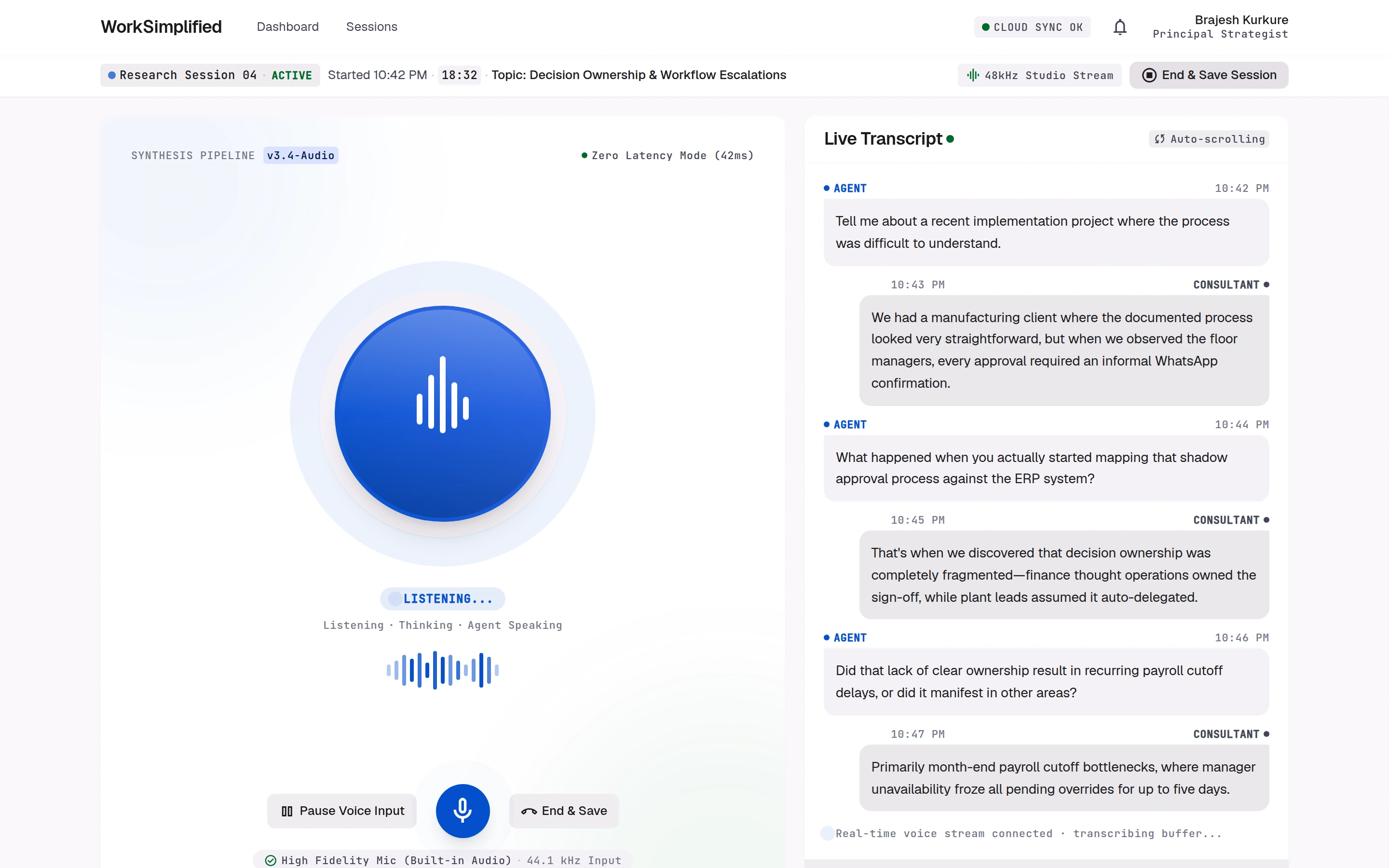
Find anything
Search every requirement, decision and statement across all sessions.
Trace to the source
Jump from any requirement to the exact words, speaker and session behind it.
Compare conflicts
See two contradicting statements side by side before anyone decides.
Approve with a reason
A named person signs off, and the reason stays attached for later.
See what changed
Every change to the project is recorded with who made it and when.
Hand over
Generate documents and send approved items to your ERP in one step.
WhatsApp
Gmail
Google Meet
Google Docs
Frappe
SAP
Jira
See your own project this way.
Tell us about an implementation you are running, and we will show you its requirements in WorkSimplified.